Learning Center
Stay informed. Learn how to spot scams, protect yourself, and use our tools effectively.
Featured



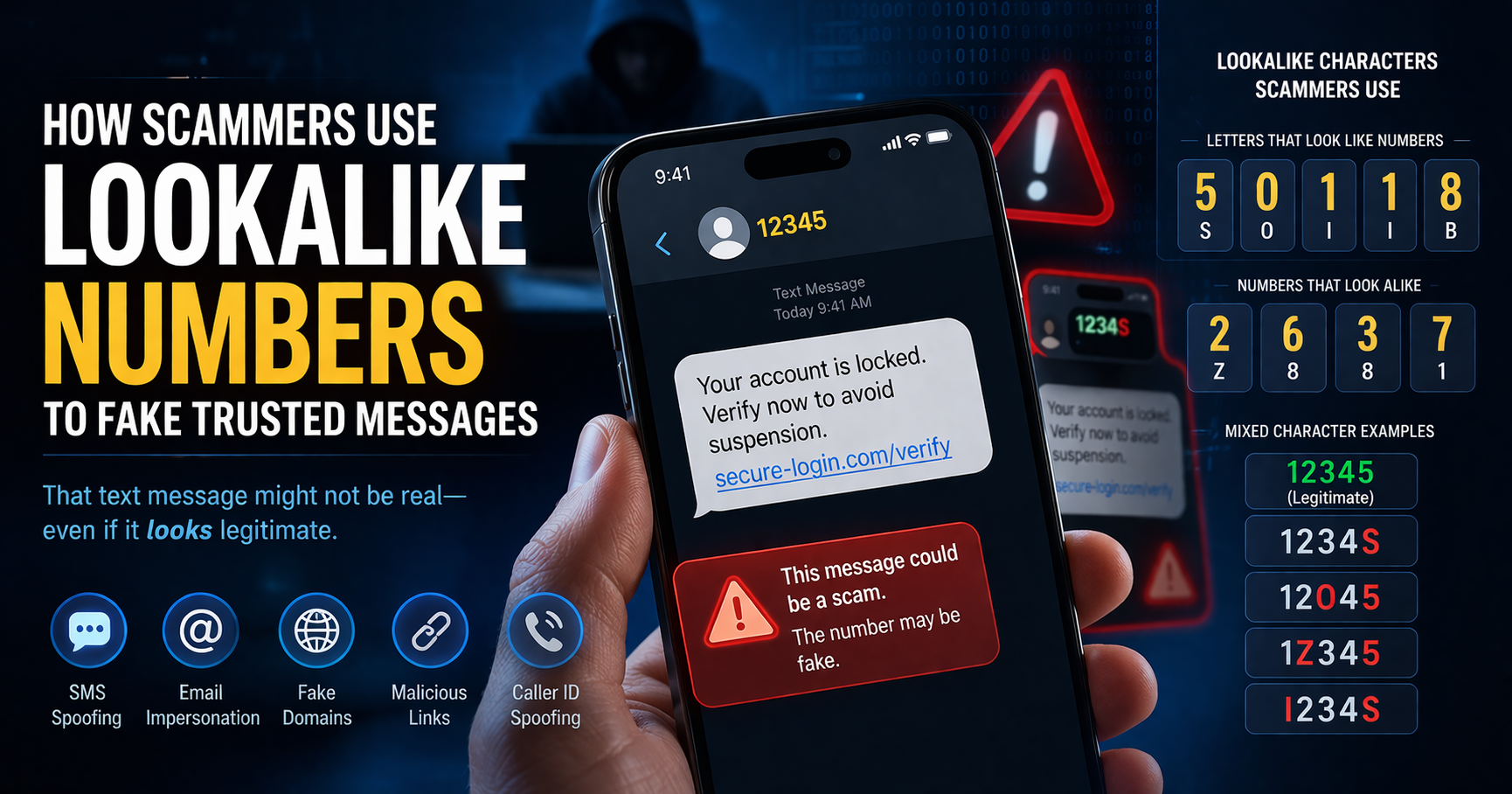

What Is Spoofing?
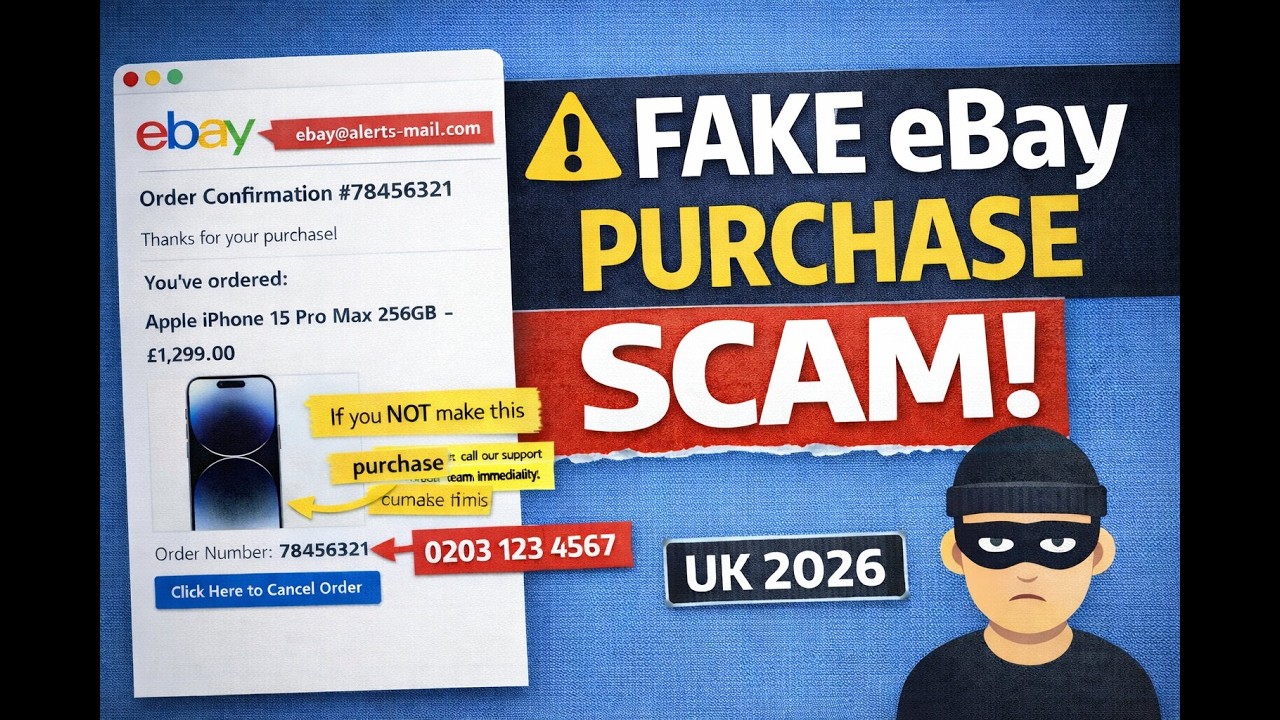
Spoofing is when someone disguises an email address, phone number, sender name, or website URL — often by changing just one letter, symbol, or number — to make you believe you're dealing with someone you trust.
That email that looks like it's from your bank? That text from "your boss"? That website that looks exactly like Amazon? They might all be fake. Criminals count on you not looking closely enough to notice.
The goal is simple: get you to click a link, send money, or hand over personal information before you realize something is off.
What Is Phishing?
Phishing is when a scammer sends you a message — usually an email or text — designed to trick you into giving away information you'd never share willingly: passwords, credit card numbers, bank PINs, or Social Security numbers.
The message often looks like it came from a company you do business with. It might say there's a problem with your account, or that you need to "verify" your information. The link inside takes you to a fake website that looks nearly identical to the real one.
That website exists for one reason only: to steal what you type into it.
Phishing comes in different flavors
Vishing
Voice phishing — scam phone calls or voicemails that pressure you into giving up personal info.
Smishing
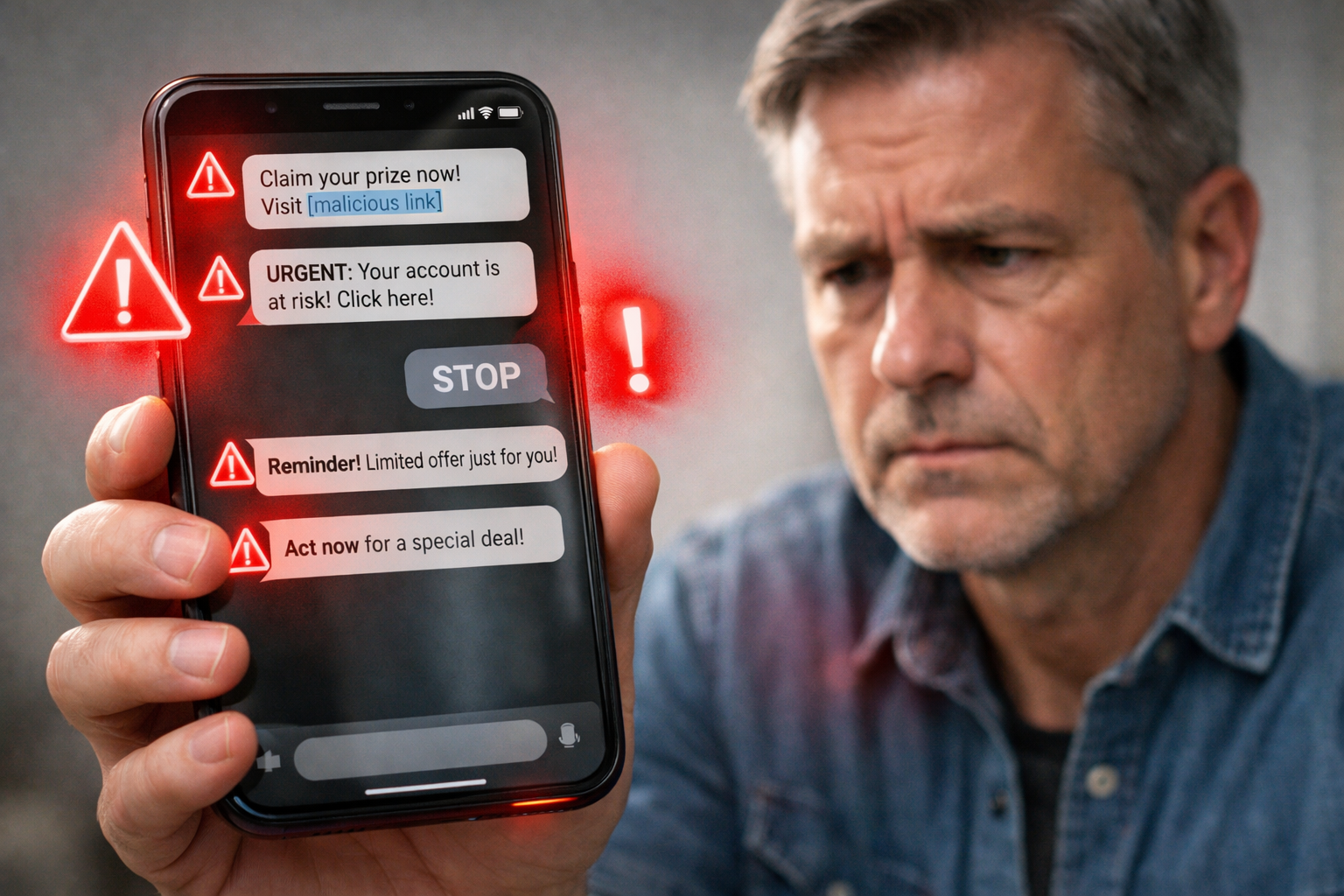
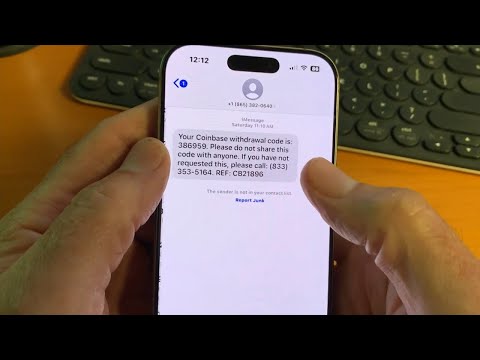
SMS phishing — fake text messages with links that lead to scam websites or install malware.
Pharming
Malicious code redirects you to a fake website even when you type the correct address.
Business Email Compromise
Scammers impersonate your boss or a vendor to trick you into wiring money or sharing data.
How to Protect Yourself
Legitimate companies won't ask for your password
No real bank, government agency, or service will contact you out of the blue asking for your username, password, or PIN. If they do — it's not real.
Don't click links in unexpected messages
Got a text or email you weren't expecting? Don't tap any links. Instead, look up the company's real phone number yourself and call them directly to ask if the message is legitimate.
Look closely at addresses and URLs
Scammers change one tiny detail — a letter, a dot, a number — to make a fake address look real. "arnazon.com" instead of "amazon.com." Always double-check before clicking.
Be careful what you download
Never open an attachment from someone you don't know. Even attachments forwarded by friends could carry hidden malware if they were tricked first.
Turn on two-factor authentication
Set up two-factor (or multi-factor) authentication on every account that offers it. This adds a second lock on your door — even if someone steals your password, they still can't get in.
Watch what you share online
Pet names, birthdays, schools you attended, family members — scammers use these details to guess your passwords or answer your security questions. Share less publicly.